Best Apps for Snapchat Editing: Best Ways to Create Awesome Snaps and Stories
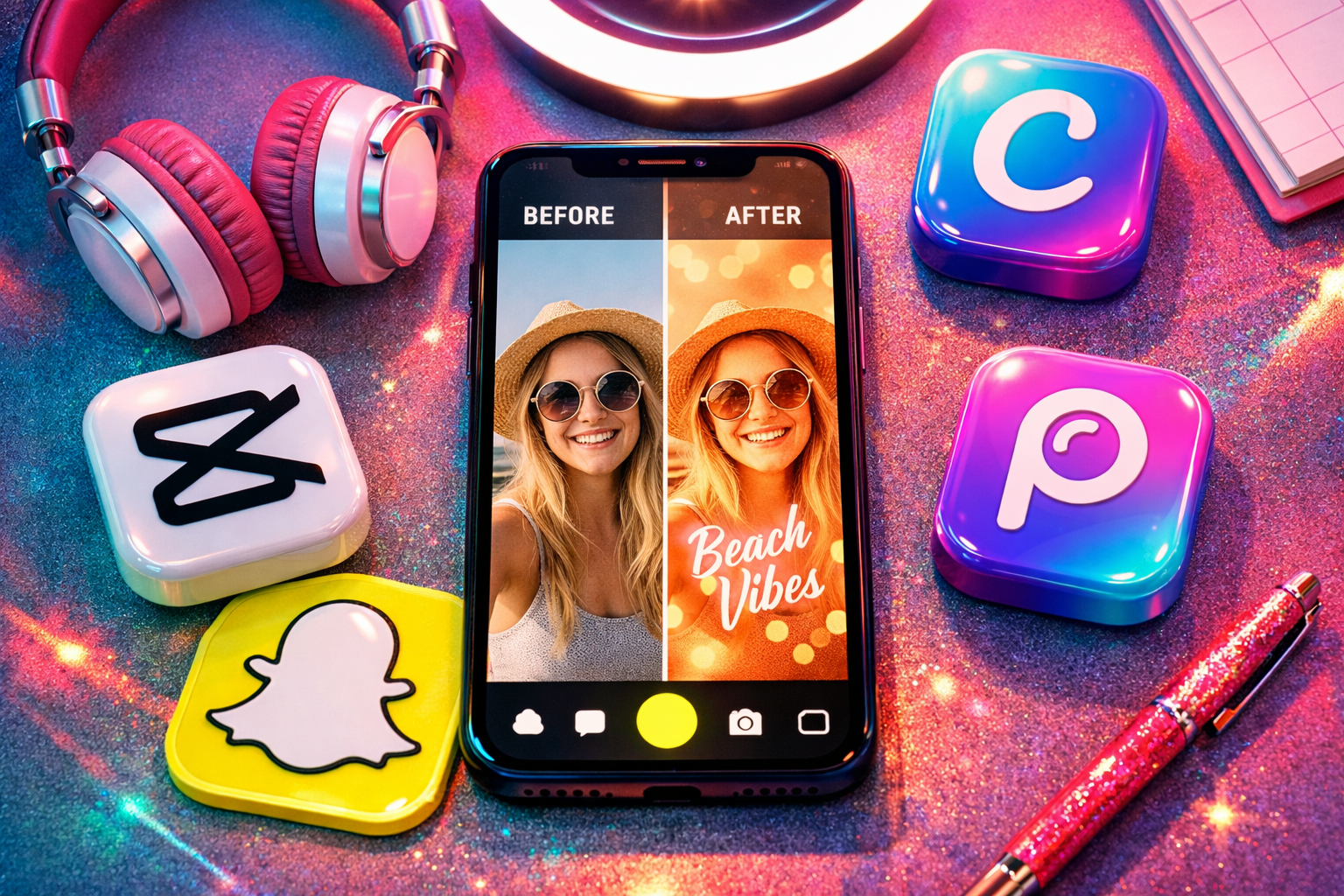
It may be annoying when your posts do not look quite the same as other people’s posts. You keep trying to enhance them with the features available on Snapchat, yet they continue looking ordinary. As a result, you will not be able to make an impression.
To make a snap look better, there is always a way out – just apply one of the best apps for Snapchat editing. Such applications provide more opportunities to work with videos and photos, helping to create a great piece of content.
Why You Need Apps for Snapchat Editing
The Snapchat editor is okay when you need to make some quick adjustments to your videos, but there are several issues with its performance. On one hand, you have all the basic options available, but on the other hand, you won’t be able to customize details such as light or sharpness.
This problem can easily be solved with external editing apps because now you will be able to change colors and experiment with various creative effects without putting much effort into it.
Top 6 Apps for Snapchat Editing
Not every editing app works well for Snapchat. You need apps that are fast, mobile-friendly, and designed for short-form content. The tools below are popular because they balance ease of use with strong features, making them perfect for daily snapping.
CapCut (best for video editing)
CapCut is among the most popular applications for creating short videos, thanks to the fact that using it feels effortless. With it, you can edit your footage by cutting it into clips and adding various transitions and effects easily.
It specializes in trendsetting content. Many influencers use CapCut for creating seamless and quick-paced content that fits viral trends, giving it an advantage when working with stories.
InShot (easy all-in-one editor)
InShot is perfect if you want one app for both photos and videos. It gives you basic tools like cropping, filters, and speed control without overwhelming you. What makes it useful is its simplicity. You can edit and post quickly, which is ideal for daily Snapchat usage.
Canva (design & templates)
Canva isn’t only an editor, but also a design platform. The platform has ready-made templates to design a structurally visual story and post. It works effectively for the content where there are texts and announcements. You do not require any designing knowledge to have neat snaps.
Snapseed (advanced photo editing)
Snapseed gives you more control than most mobile apps. You can adjust brightness, contrast, and details with precision, even in specific parts of an image. It is ideal when you want your snaps to look natural but high quality, without relying only on filters.
VSCO (filters and aesthetics)
VSCO focuses on style rather than heavy editing. It is known for soft, film-like filters that give your snaps a consistent look. This app is perfect for users who prefer a minimalistic and aesthetic approach rather than fancy edits.
PicsArt (creativity, effects, and edits)
PicsArt is designed to encourage creativity through sticker usage, overlays, and artificial intelligence-based effects. This app is highly recommended for those who seek an extraordinary and distinct look for their snaps considering millions of users and pre-existing templates.
Read Also: Social Media Marketing Funnel | How It Works
Best Apps for Snapchat Filters and Effects
Basic filters may add a mediocre appearance to your snaps. However, these apps provide innovative effects that give your snaps the trendy and popular aesthetics desired by many users.
Prequel (aesthetic filters and effects)
Prequel is recognized for its trendy filters and AI-based effects. Hundreds of aesthetic styles such as retro, cartoon, and cinematic are offered to users.
Lensa (AI edits and portraits)
Lensa focuses on smart editing. It enhances faces, improves lighting, and sharpens details using AI. It works best for selfies and portrait snaps where clarity and smoothness matter.
BeautyPlus (face filters and enhancements)
BeautyPlus is designed for quick face edits. It helps adjust skin tone, lighting, and small imperfections in seconds. It is useful when you want clean and polished selfies without spending much time.
Best Apps for Text, Captions, and Story Design
Text and layout can completely change how your story looks. These apps help you make your content more engaging and visually structured.
Phonto (custom text styles)
Phonto gives you full control over text. You can choose fonts, colors, and spacing to match your style. It is perfect when you want captions that stand out instead of looking basic.
Mojo (animated stories)
Mojo adds motion to your content. It allows you to create animated stories that feel more interactive. It is very helpful when writing a story or creating a promotion or post.
StoryArt (aesthetic templates)
StoryArt offers premade designs for your posts that help ensure an aesthetically pleasing layout and appearance. Consistency will help create an appealing profile.
Selecting the Correct Snapchat Editing Software for Your Posts
Using an incorrect editing application will waste your time. It is crucial to consider the type of content you generate when selecting software.
Based on the type of your content (photos or videos)
Choose apps that work well with video if you post more videos. If you mainly post pictures, then the one with good photo features will suffice.
Based on ease of use
Some apps are complex and require learning. If you want quick edits, choose simple apps that are easy to understand. This helps you stay consistent without frustration.
Based on the features you need
Focus on what matters most. Whether it is filters, templates, or effects, pick an app that fits your style. This will ensure that your editing procedure remains efficient and smooth.
How to Edit Snapchat Pictures and Video Content
Editing is not necessarily about using numerous software. It is all about applying them in the right manner.
Lighting and Clarity Improvements
Good lighting will instantly improve your content quality. Brightness and sharpness adjustments will help make your snaps look sharp and clear. Even small changes will go a long way here.
Stick to Clean Edits
Over-edits may completely destroy your content quality. Clean edits will look more authentic and easier to perceive. They might even outperform complex content.
Stay Relevant but Unique
Current trends are important for your content relevancy. Still, you need to stick to your own style in order to stand out.
Common Errors to Avoid While Editing Snaps
A lot of people tend to use too many effects. It makes snaps untidy and unappealing.
It is important to keep snaps neat and simple, but that can be achieved easily by avoiding some common errors.
Free vs Paid Snapchat Editing Applications
It is okay to use free Snapchat editing applications, as most people will be able to get by using them. It does not cost any money, yet you can create decent content.
You should go for paid Snapchat editing applications when you need advanced features.
Conclusion
Depending on the content and editing style, you may choose an app that works best for videos, pictures, or graphics.
Maintaining simplicity and consistency in your edits is crucial for improved quality of your snaps. The best tools will help you enhance your content.