What Do the Eyes Mean on a Snapchat Story? (2026 Full Explained)
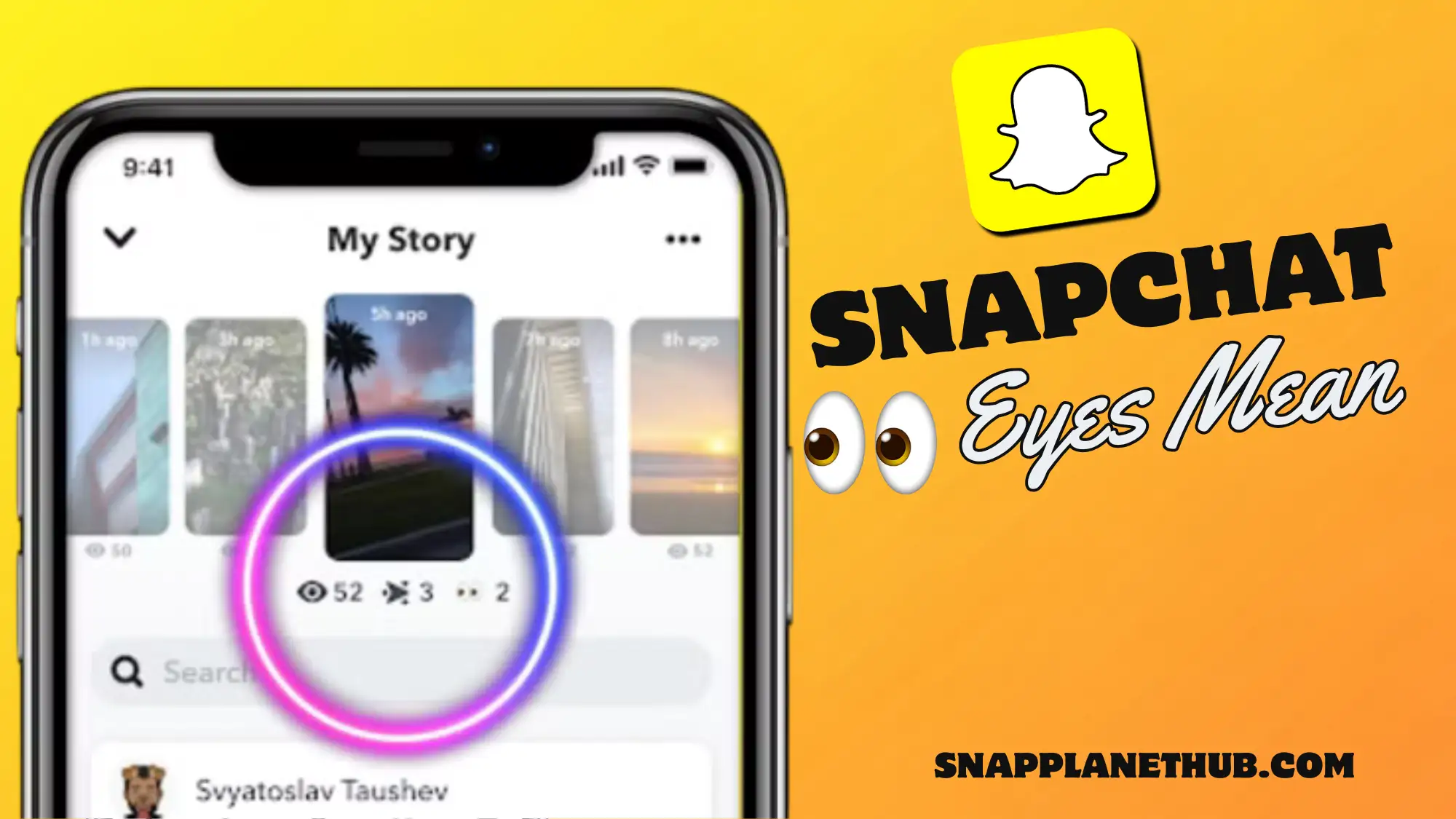
If you have seen a tiny pair of eyes on someone’s Snapchat Story and wondered what the eyes mean on a Snapchat Story, don’t worry, you are not alone. The 2 eyes icon on a Snapchat Story is known as the Rewatch Indicator, a feature exclusive to Snapchat+ subscribers.
Those eyes aren’t just for decoration; they represent how many people rewatched your Story, just the total replays. The small number beside the eyes reflects your Story’s overall rewatch count, helping you see which snaps caught extra attention.
The Eyes Icon on Snapchat: What It Actually Means
The symbol next to a Snapchat Story is officially called the Rewatch Indicator, and it represents how many people have rewatched your snap after seeing it the first time. Each time someone revisits your Story within its 24-hour lifespan, Snapchat adds one to that count, showing how often your content was replayed, not just viewed.
It’s different from the standard Story view number, which only tracks unique viewers. The eyes focus purely on repeat engagement, revealing which posts actually captured extra interest..
Where and When You’ll See the Eyeballs Icon
You will spot the eyes emoji only if you are using Snapchat+, the app’s premium version. It appears next to your posted Stories, right below the regular view count and also views who can be active right now that see your story with a lighter green dot. This little symbol shows up once at least one of your friends has watched your Story more than once. If no one replays it, the icon won’t appear at all.
- Open Snapchat and tap on your profile icon in the top-left corner.
- Go to the Stories section under your profile.
- Look for your active Story below it, you will see the usual view count.
- If your Story has been replayed, an eye emoji will appear next to the view count.
- The small number beside the emoji shows the total number of rewatches (e.g., eyes + 2 means two people rewatched your Story).
- On both iPhone and Android, the eyes icon is visible in the Story Insights tab for Snapchat+ users.
- If no one has rewatched your Story, the eyes emoji simply won’t appear.
Is the Eyes ball Icon Part of Snapchat+?
The eyeballs symbol is a Snapchat+ tool that shows how many people replayed your Story. It’s not available for free users. Snapchat+ also includes features like the Friend Solar System, Story Boost, and Custom App Icons, making the app more personalized for those who want extra customization options.
Can People See If You Rewatched Their Story?
The eyes icon is Snapchat’s Rewatch Indicator (Snapchat+ only): it shows the total number of times friends replayed your Story during its 24-hour lifespan. For creators and influencers, this is a compact engagement signal; higher rewatch counts point to content that resonates (funny clips, close-ups, tricks, or visually strong moments).
Officially, the indicator reports aggregate replay counts, not per-person detail, so it’s best used as directional analytics rather than exact viewer behavior.
How to Enable or Disable the Eyes Feature
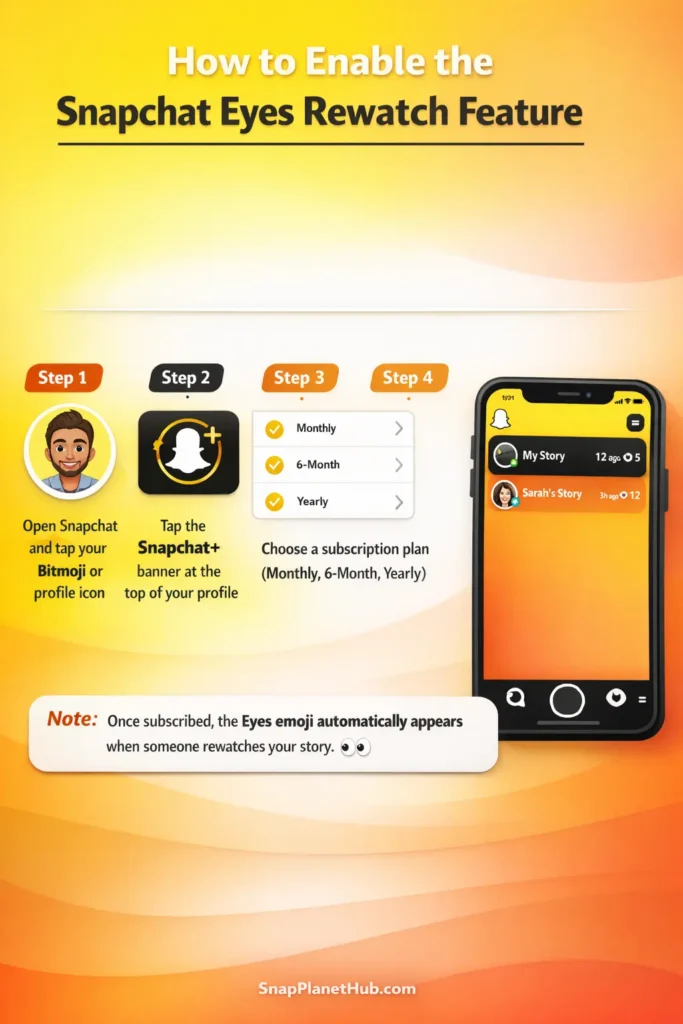
To access the eyes Rewatch Indicator, you will need to subscribe to Snapchat+.
- Open Snapchat and tap your Bitmoji or profile icon.
- Click the Snapchat+ banner at the top of your profile.
- Select a subscription plan: monthly, 6-month, or yearly.
- Confirm your purchase through your app store.
Once subscribed, the eyes emoji will automatically appear on your Stories whenever someone rewatches them. There’s no separate toggle for the feature itself, but you can manage related settings:
- To reduce notifications or Story insights visibility, go to Settings → Notifications → Stories and adjust preferences.
- On iOS, subscription settings are managed directly through the App Store, while Android users can adjust them via Google Play.
How to Use the Eyes Icon to Your Advantage
If you are a creator or influencer on Snapchat, the eyeballs icon is more than just a curiosity; it’s a mini analytics tool that helps you understand how interesting your Stories really are.
- Keep track of the number of times your story is viewed again; this will reveal the subjects or formats that your audience is most interested in.
- In order to influence future material, use high rewatch counts. For instance, humor, daily vlogs, or behind-the-scenes videos frequently receive more replays.
- To find out what kinds of Stories work best and when your audience is most active, combine the data with Snapchat Insights.
FAQs
- Can others see if I rewatch their story?
No, only the creator can see that their Story was rewatched, not who did it. Snapchat protects your identity when you rewatch a Story.
- What does eyes + 0 mean?
It simply means your Story hasn’t been rewatched yet. The count will go up once someone replays it.
- Do I need Snapchat+ to see it?
Yes. The eyes icon and rewatch counter are exclusive to Snapchat+ subscribers. Regular users won’t see it.
- How accurate is the rewatch count?
It’s pretty accurate but not hyper-detailed. Snapchat doesn’t show who rewatched or how many times per person, just the total replays from all viewers.
Conclusion:
The Eyes emoji isn’t just a random emoji; it’s a signal of engagement showing that people are interested enough to watch your Story again. While it doesn’t expose who rewatched it, it gives creators a quick way to measure audience connection and content strength.For better insights, pair your rewatch data with Story Insights inside Snapchat+. This helps you spot engagement patterns and tailor content that resonates even more.