How to Half Swipe on Snapchat to Read Messages Secretly without Opening
If you wanted to sneak a peek at someone’s Snapchat message without actually opening it, you are about to learn the move everyone’s talking about, the half swipe. It’s a simple swipe technique that lets you preview a chat without the “Opened” label or alerting the other person.
In this quick guide, you will understand exactly what half-swiping means on Snapchat, how it differs from fully opening a chat, how to half-swipe on snap 2026, and how it’s evolving with new updates. You will also get a step-by-step tutorial for both iPhone and Android users, including small gestures and screen angles that make the trick work smoothly.
What Is Half Swipe on Snapchat?
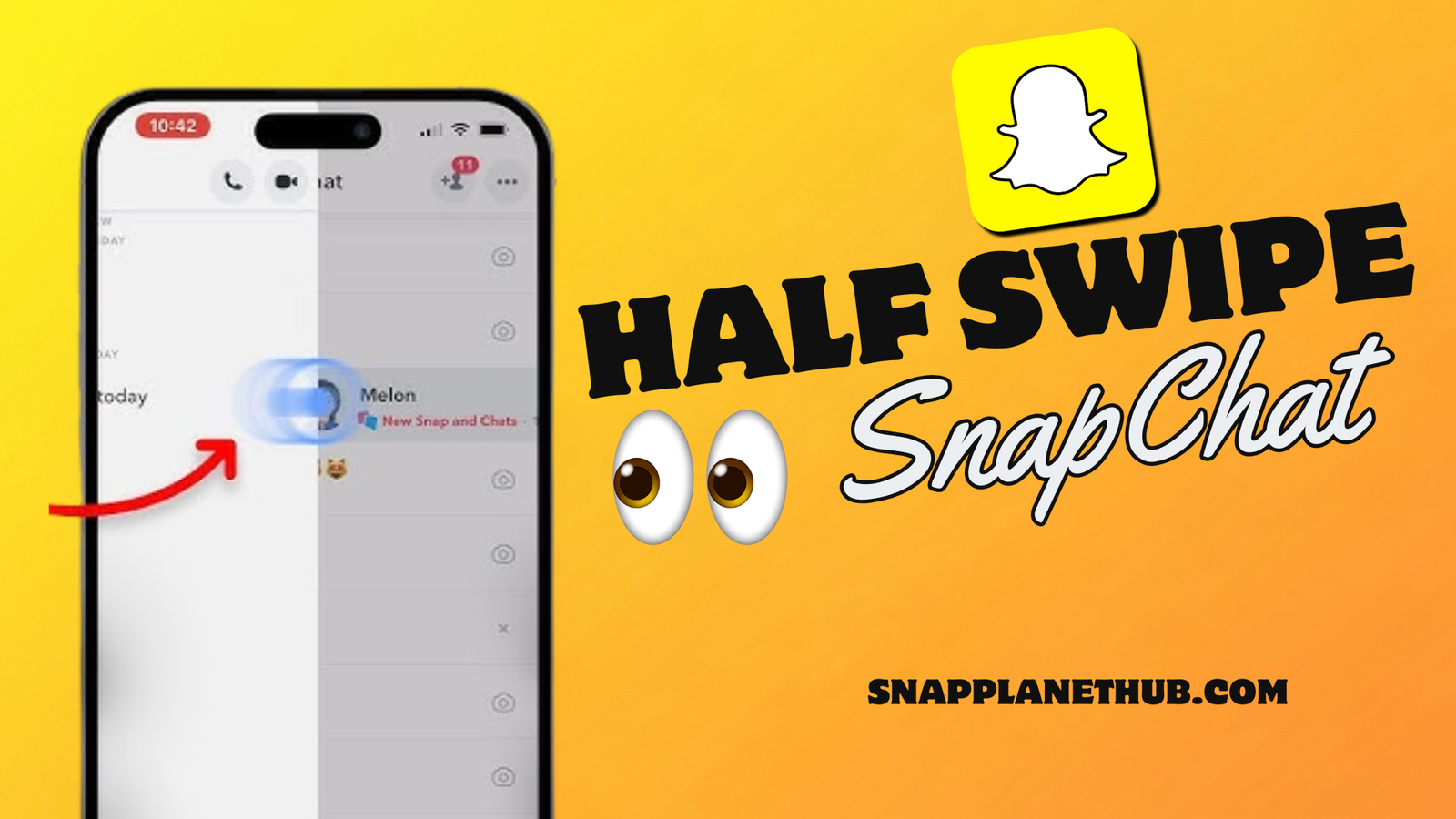
The half swipe on Snapchat is a subtle gesture that lets you preview a message without officially opening it or sending a read receipt. Dragging a chat from left to right, users can see the message, but the “Opened” status is hidden.
How to SideSwipe on the Snapchat Step-by-Step Guide
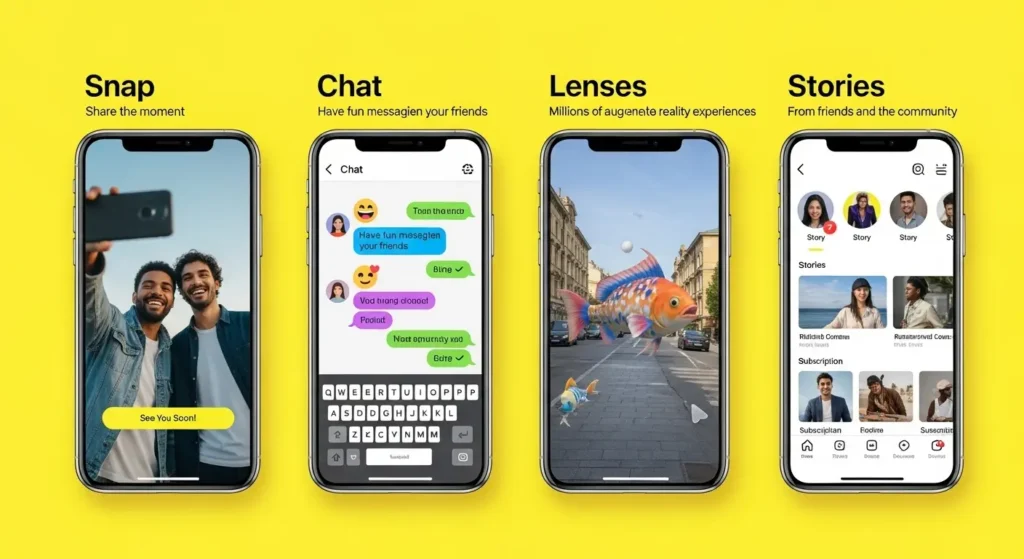
Step 1: Open the Chat Tab
Open the Snapchat app and move to your Friends screen, that’s where all your active conversations live. This section lists all your friends’ messages, Snaps, and pending chats in one place. Don’t tap the chat directly.
Step 2: Hold and Drag Carefully
Press your finger down on your friend Bitmoji or profile circle and slowly drag your thumb toward the right side of the screen. You will notice the chat window begins to slide open, stops right before it fully expands.
The key is to control how far you drag. You only need to move your finger enough to see the text preview. If you swipe too far, Snapchat considers it “opened,” and the sender will get notified.
Step 3: Read Without Fully Opening
You can peek at the message content without setting off any notifications once you have discovered the ideal middle ground. To read the complete message, you can scroll a little bit within that partial view, but you must keep your thumb down.
Step 4: Release to Exit
When you are done reading, slide your finger gently back to the left until the chat closes completely, then lift your thumb off the screen. Snapchat will return you to the main Chat tab, and the message will still show as “unread.”
Does Half Swiping Still Work on the Snapchat in 2026?
Half swiping still works in 2026, but not as reliably as before; it depends on your device, app version, and update cycle.
- For iPhone: The half swipe gesture still functions smoothly because iOS handles Snapchat’s touch sensitivity better.
- For Android: More inconsistency, many users say it still works, but can easily mark messages as “Opened,” especially on older or laggy phones.
Common Half Swipe Mistakes & How to Fix Them
Half swiping on Snapchat can still work in 2026, but most people slip up because of overly quick gestures or device settings. Below is a short but complete breakdown of what usually goes wrong and how to fix it easily.
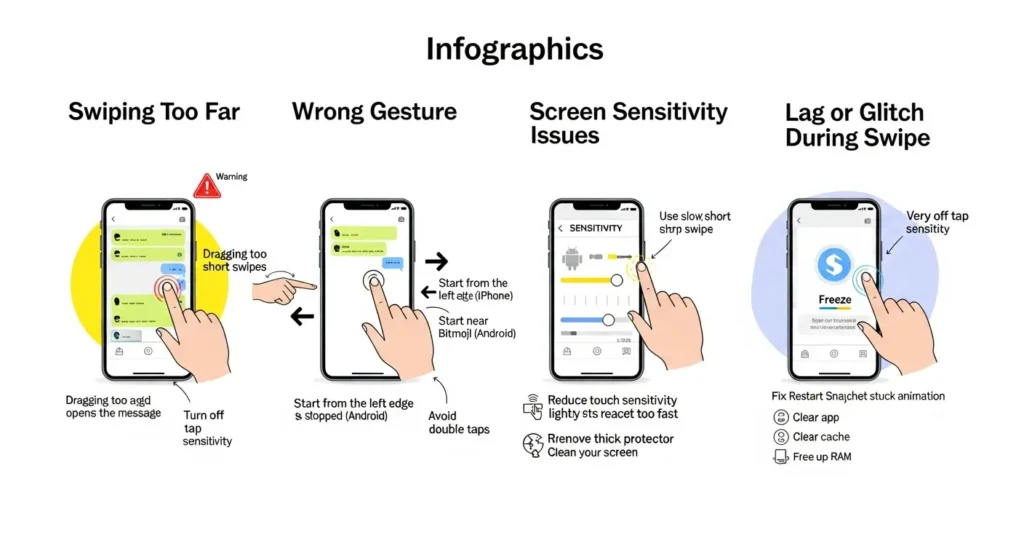
1. Swiping Too Far
Dragging the chat too much instantly marks the message as “Opened.”
- Don’t reply right away; leave the chat quickly to avoid suspicion.
- Practice slow, short swipes until you find the exact halfway point.
- Turn off “Tap to Chat” sensitivity in Snapchat settings to prevent full openings.
Curious what that little green dot means when you are checking if someone’s active? Learn more in our guide on Green Dot on Snapchat Meaning it breaks down what being “online” actually looks like on the app.
2. Using the Wrong Gesture
Each phone reads gestures differently, and that can mess up your half swipe.
- On iPhone, start from the left edge of the chat and stop before it slides fully.
- On Android, begin just outside the Bitmoji icon for a smoother partial swipe.
- Avoid multitasking or double-tapping; both actions can fully open the message.
3. Screen Sensitivity Issues
Overly sensitive screens make it hard to control swipe length.
- Adjust your Touch Sensitivity setting to a lower level.
- Remove thick glass protectors or clean your screen for better touch accuracy.
- Use a stylus if your phone still misreads the motion; it adds precision.
4. Lag or Glitch During Swipe
Snapchat sometimes lags mid-swipe, accidentally triggering message openings.
- Restart the app to clear temporary bugs.
- Clear cache under Profile → Settings → Clear Cache → Clear All for smoother gestures.
- Close unused background apps if your phone lags. Freeing up RAM improves swipe control.
Half Swipe vs. Peek a Peek Snapchat+ feature
| Feature | Half Swipe (Free) | Peek a Peek (Snapchat Plus) |
| Stealth Preview | Let’s you quietly read chats without alerting anyone (if done right) | Not fully hidden, the other person might know if they also use Peek a Peek |
| Works On | Regular text chats only | Both text messages and incoming chat notifications |
| Alerts Sender | Nope, totally under the radar | Yes, when both users have Snapchat+ active |
| Official Status | A user-discovered trick, not officially supported | Built-in, official Snapchat+ feature |
| Platform Support | Works on iPhone and Android (depending on your app version) | Available on all devices with a Snapchat+ plan |
| Reliability | Tricky one wrong swipe and the message opens | Stable and intentional, since it’s officially designed |
| Privacy Level | High, but manual, you need steady fingers | Moderate, since visibility depends on who’s using the feature |
| Skill Needed | Takes a bit of practice to get that “perfect” half swipe | High, but manual,l you need steady fingers |
Half swiping isn’t the only exclusive or secretive part of Snapchat, features like Planets on Snapchat also show how close your friends are in your social universe.
Other Ways to Read Snapchat Messages Without Opening Them
When the half-swipe trick no longer works, there are still reliable methods to check messages without showing a read label.
1. Notification Preview Trick
- Keep Snapchat notifications enabled.
- Expand message previews without tapping them.
- Works only for short texts, not for Snaps or disappearing chats.
2. Airplane Mode Method
- Open Snapchat and let chats load.
- Turn on Airplane Mode and open the chat.
- After reading, force-close the app and wait before turning off Airplane Mode.
- For extra privacy, log out before going back online.
3. Screen Recording Trick
- Start screen recording before opening Snapchat.
- Lightly swipe to preview messages.
- Stop recording, then exit.
- Snapchat may detect screenshots or recordings on newer versions.
4. Snapchat Web or Linked Device
- Chats sync across devices, but messages are marked as opened once clicked.
- You can still see names and new message alerts without fully opening chats.
FAQs
Q1: Can you still half swipe on Snapchat?
Yes, but it’s trickier now. The classic drag-and-hold gesture still works for some users, mostly on older app versions. However, newer updates limit how far you can swipe before it counts as “opened.”
Q2: How to see a snap without opening it?
You can use the notification preview, Airplane Mode, or Peek a Peek Snapchat+ to sneak a glance safely. Each method has its own risks; the key is avoiding reopening the app before turning data back on.
Q3: How to half swipe Snap 2026?
Lightly press the chat, drag halfway across, and stop before the full screen appears. Don’t release your finger until you’ve finished reading the preview, then slide back to close it.
Q4: Does the other person know if I half swipe?
Not directly, unless they’re using Snapchat Plus, which can show activity cues like Peek a Peek. For most users, your Bitmoji won’t pop up or mark the chat as opened.
Q5: How do I peek on iPhone vs Android?
- iPhone: Smoother due to touch sensitivity, but newer updates make it easier to accidentally open messages.
- Android: Works inconsistently depending on device model and OS version, older versions usually perform better.
Q6: Is half swiping against Snapchat’s terms?
No official rule bans it, but Snapchat discourages “trick interactions.” Since it’s a UI glitch, future updates might disable it entirely.
Q7: What’s the safest alternative now?
Use Peek a Peek Snapchat+ or notification previews. These are official, risk-free ways to check chats without alerting friends.
Final Thoughts
Half swiping on Snapchat used to feel like a secret superpower, that slick way to peek at messages without getting caught. But in 2026, it’s becoming more of a nostalgia move than a reliable trick. Snapchat’s updates are slowly closing the loopholes that make half swiping possible, aiming to protect user privacy and keep conversations more transparent.Still, that doesn’t mean your sneaky reading days are over. Features like Peek a Peek Snapchat+ offer a smarter, official way to preview messages without setting off alerts. If you’re still using the half swipe method, treat it as a fun experiment, not your daily go-to.