What Does By Mention Mean on Snapchat? (2026 Explained)
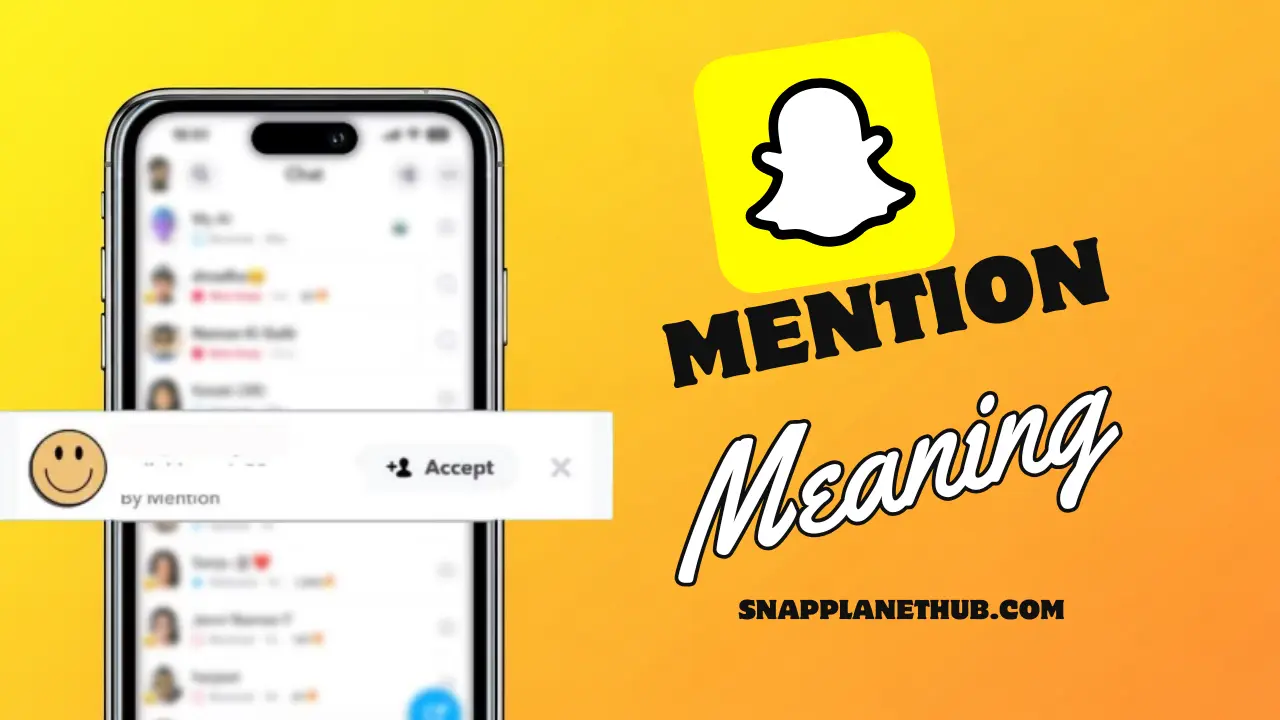
Ever opened Snapchat and gotten a friend request labeled “Added by Mention”, and thought how did they even find me? What does by mention mean on Snapchat? That tag appears when someone sees your username tagged in a Story or Snap, meaning a friend (or someone) mentioned you using the “@username” feature.
This guide explains why these requests happen and how to manage your mentions confidently.
What Is “Added By Mention” on Snapchat?
“Added by mention Snapchat” just means that you were added from a tag where someone talked about you in a Story or Snap. Unlike a regular friend request, this method highlights that your profile was discovered through a mention rather than a search or Quick Add.
This feature makes connecting on Snapchat more social and interactive. Tags in stories or snaps can come from friends or mutual connections, allowing people to add you without manually looking for your profile.
How “Added by Mention” Works on Snapchat
Below you see how the process works step by step:
- Someone tags your username in their Story or Snap.
- Viewers tap on your tagged profile.
- They get an Add option to send a friend request.
- Once clicked, Snapchat marks the request as added by mention, showing it came from that tag rather than search or Quick Add.
Why You See “Added by Mention” on Snapchat
There are a few common reasons you might see ‘by mention’ Snapchat. First, you might have been tagged in a story or photo by someone. Second, your username might have been included in a story that was reshared by a common friend. Third, visitors can immediately add profiles by tapping tags on public stories.
Recognizing these scenarios helps you manage notifications and privacy settings better. Understanding what adding by mention means prevents confusion over unexpected friend requests and lets you enjoy Snapchat stories and tags with confidence.
Other Add Methods on Snapchat
Understanding how adding by mention differs from other ways of adding friends helps you navigate Snapchat notifications with confidence. Snap Map Planet, and similar features, allow you to customize what you see on the map based on your friends activity and interactions.
Added by Search
When someone adds you using search, they have to type your username in by hand to find your profile. This method only works with direct input; it doesn’t use Stories or Snaps.
Quick Add
Quick Add proposes profiles based on friends you have in common or contacts that are synchronized. This is an automated, algorithmic feature showing people Snapchat thinks you may know. Quick Add is not intentional tagging; it simply recommends connections based on shared networks.
Added from Contacts
Adding friends from contacts uses your phone number or email to identify matches on Snapchat. This process skips Stories besides Snaps. When your contact info is synced, the system shows profile suggestions without further steps. It is less interactive and less organic than mentions.
Added by Snapcode
Snapcode takes place when a user scans a unique code that looks like a QR code. The user must carry out the scan by hand, away from the usual Snapchat feed. Added by mention on the other hand, occurs inside a Story or a Snap – the link forms inside the content and the interaction feels smooth.
How to Add Someone by Mention on Snapchat
You can also add friends through mentions, making your interactions more interactive and social.
Step-by-Step Method to Add via Mention Tag
- Open a Snap or Story where someone has been tagged.
- Tap on the tagged username.
- Click Add to send a friend request.
This makes sure Snapchat labels it as added by mention, showing it came from a tag rather than a search.
How to Mention People in Snaps & Stories
- To make a Snap or Story, open the camera.
- Tap the text icon and type @username.
- Post your Story or Snap.
Anyone who taps your mention can now add the tagged profile directly, creating natural, interactive connections.
Why You Were “Added by Mention” But Nobody Mentioned You
Sometimes, the by mention Snapchat notification appears even if you think no one tagged you.
- Silent mentions: Some mentions don’t display publicly.
- Deleted stories: The person talked about you, but they took the story down before you could see it.
- Private mentions: You can still get an add from a tag in a private Story.
- Reshared stories: A friend shared a Story that someone else had shared and tagged you in.
- Links from other people: Mentions in shared links or embeds can also set off notifications.
You can also look at eye mean on Snapchat to find out more about who is looking at your profile.
Privacy & Tips for Mentions
Anyone who can see your Story or Snap on Snapchat may be able to tag you. This is why it’s important to know how privacy works with mentions.
You can change your Story settings to “Friends Only” or limit the audience for certain Stories to control who can tag you. This keeps your connections safe and stops people you don’t know from adding you through mention.
- Turn off mention notifications to reduce unexpected alerts.
- Change the privacy settings on your story to choose who can tag you.
- Limit the audience for certain Stories to control who can see them.
Common Issues With “By Mention” & How to Fix Them
This feature doesn’t always work the way you want it to. Knowing about common problems can help you avoid getting angry.
- Mention Not Showing Up:
This usually happens when the Story’s audience is small or the tagger’s privacy settings hide the mention. Updating the app or refreshing the feed fixes it in most cases. - “Added by Mention” Not Updating:
Sometimes it takes a while for Snapchat to accurately label a request, particularly if the story was recently posted or the servers are sluggish. It updates more quickly with a reliable internet connection. - Tag Feature Missing:
If you are unable to tag someone, either your app is out of date, or you have disabled tagging in your settings. The feature is typically restored by updating or reinstalling Snapchat.
When “By Mention” Might Be Wrong or Misleading
The label can show up even when no one actually tagged you. This usually happens because Snapchat’s system gets information from stories, cache, and tagging suggestions. A temporary bug could make the app think that someone found your profile differently.
Another reason is a corrupted cache, which can display outdated add sources even after the tag disappears. In rare cases, Snapchat auto-suggests usernames when someone types “@,” and a tap on your profile through that suggestion can also trigger this label. Refreshing the app or clearing cache generally resolves these mix-ups.
Who Can Mention or Tag You on Snapchat?
Anyone who can view your Story can tag your username, which is why mentions sometimes feel unexpected. If your Stories are set to public, even non-friends or mutual viewers may tag your profile in their snaps.
When your Stories are restricted to friends only, tagging stays limited to your existing circle. You can adjust these controls anytime under privacy settings, especially if you want fewer random adds or tighter control similar to how users tune settings for features like time sensitive on Snapchat.
FAQs
- What is the meaning of “by mention” in Snapchat?
This means that someone found your profile by clicking on a tag in a Story or Snap and then adding you directly from that mention.
- What does it mean if someone adds me this way?
It simply shows they tapped your username after seeing it tagged somewhere, no search involved.
- Can strangers add me through mentions?
Yes. If your Story is public or your username appears in a public tag, anyone who sees it can tap and send a request.
- Why does Snapchat display this label instead of search?
Because the add originated from a tag, not from looking up your username manually.
- Is being added through a mention safe?
It’s generally harmless, but adjusting privacy settings lets you control who can mention you and who can view your content.
- Does this mean someone talked about me in their Story?
Not all the time. The tag could have been deleted, shared with someone else, or suggested by the system, so we can’t be sure of the context.
Conclusion
This tag simply shows that someone reached your profile through a mention placed inside a Story or Snap. It doesn’t always mean you were talked about directly, because glitches, auto-suggestions, and privacy limits can affect how the label appears. Understanding why this happens helps you manage adds, control who can tag you, and stay in charge of your visibility on Snapchat.